

|
Name |
Mobile Cloner |
|---|---|
|
Google Play Link |
GET IT ON
Google Play
|
|
Category |
Tools |
|
Developer |
Transsion Holdings |
| Last version | 15.0.9.012 |
|
Updated |
|
|
Compatible with |
Android 10+ |
Introduction to Mobile Cloner APK
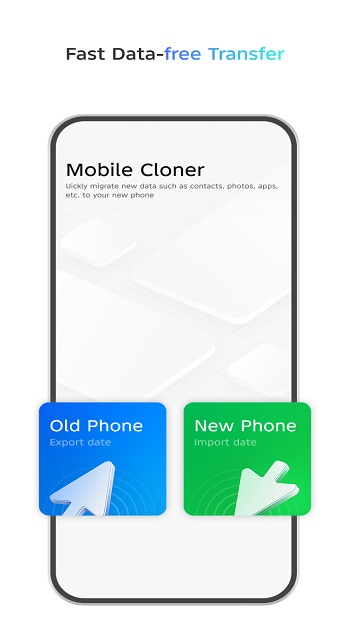
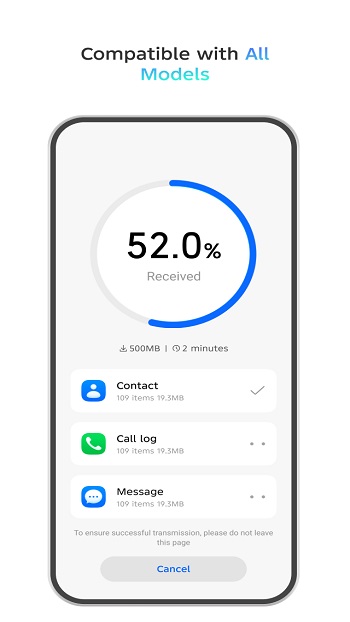
Mobile Cloner is a data transfer app built for moving content from an old phone to a new one. It is designed for people who want a quick setup without rebuilding everything by hand. The app supports Android and iOS devices and works with brands such as TECNO, Infinix, itel, Xiaomi, Huawei, OPPO, vivo, and iPhone.
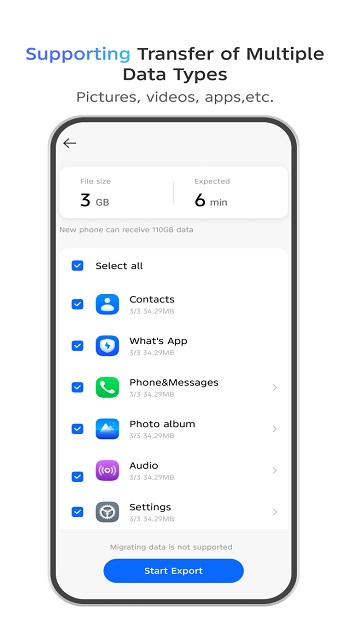
Its main job is simple. It helps users move contacts, call logs, text messages, photos, videos, audio files, documents, apps, and some device settings between phones. In supported cases, it can also carry over deeper data linked to system apps or third-party apps, which saves a lot of tapping, reinstalling, and mild emotional damage.
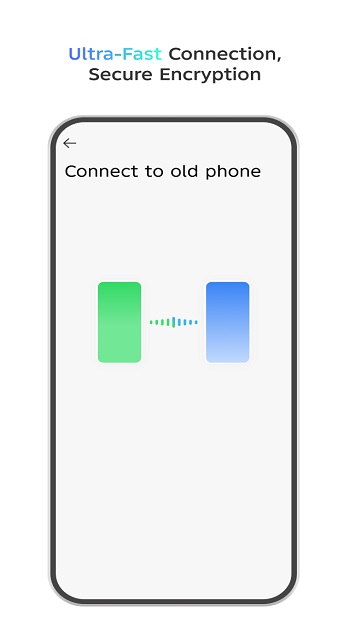
The transfer process follows a clear three-step flow. You connect both devices, choose the data you want, and start the migration. Since the transfer happens directly between the phones, it does not depend on mobile data. That makes it useful for people with limited internet access or anyone who prefers to keep the process local.
A big strength of Mobile Cloner is convenience. It brings many data types into one tool, so users do not need separate apps for contacts, media, and installed software. The offline setup also helps with speed and privacy, and the use of encrypted transmission adds reassurance when personal files and messages are being copied.
There are still a few limits to keep in mind. Compatibility can vary by phone model and software version, so the app may not install or run properly on every device. Cross-brand transfers can also be less complete because different systems handle app data and settings in different ways. Some protected content or account-linked data may stay behind, which is annoying, though not unusual for phone migration tools.
Mobile Cloner suits people who are changing phones and want the move to feel less messy. It is especially helpful for users switching within supported brands or families with mixed devices at home. If someone wants a local transfer tool for day-one setup, with apps, media, and everyday data moved in one session, this app fits that job well.
FAQs Mobile Cloner
What is Mobile Cloner used for?
+
Mobile Cloner is used to transfer data from an old phone to a new one, including contacts, messages, photos, videos, documents, apps, and some settings.
How does Mobile Cloner work?
+
It connects two phones directly, lets you choose what to copy, and starts the transfer without needing mobile data for the migration.
Can Mobile Cloner transfer apps and app data?
+
It can transfer installed apps and, on supported devices, some related app data. Results can vary depending on the phone brand and system rules.
Does Mobile Cloner work between Android and iPhone?
+
Mobile Cloner supports both Android and iOS devices, but some data may not move fully when switching between different systems.
Is Mobile Cloner safe for personal data?
+
The app uses encrypted transfer to help protect data while it moves between devices, which is helpful for contacts, messages, media, and other personal files.
Discover More Interesting Apps
-

Theick.io
v0.4.8
29 MB
Updated -
Mod
Express VPN
v12.64.0
232.00 Mb
Updated -
Mod
Remote Mouse Pro
v5.306
63 MB
Updated -
Mod
TLS Tunnel
v7.2.6
27.95 Mb
Updated -
Ace Stream
v3.2.19.5
107.59 Mb
Updated -
90 FPS
v11.4
16.02 Mb
Updated -
Mod
Medix
v1.4.0
69.80 Mb
Updated -
Mod
Multi App
v2.7.0
37.47 Mb
Updated -
Sophon
v1.0.54.1
65.80 Mb
Updated -
Mod
SWAP - No ROOT
vv4.8.8
8.41 Mb
Updated










Share Your Thoughts